Moving a website builder site to WordPress starts with a plan for the content, accounts, and everyday functions your business relies on. The design is only one part of the move.
If you are considering a Wix to WordPress migration, a move from GoDaddy Website Builder, or a change from Squarespace or Thryv, begin by listing what needs to survive the transition. Confirm the export options available in your specific account before choosing an import method or estimating the work.
Decide what you need to control
Write down what is difficult about the current site. Is it the page layout, publishing process, integrations, performance, or access to the underlying setup? A move should solve a concrete problem. A simpler site on the current platform may still be the better fit if it already does what your business needs.
For a self-hosted WordPress build, agree who controls the domain registration, hosting account, WordPress administrator access, backups, and third-party licenses. Keep those responsibilities explicit. Moving platforms does not automatically settle ownership or cancel existing service agreements.
Separate content from design and functionality
Treat the move as several related jobs. Page copy, articles, images, downloads, layouts, forms, and integrations need their own checks. Do not assume that an available content export will reproduce the complete website in a new system.
- Content: record the pages, articles, images, and downloads you want to keep, combine, rewrite, or retire.
- Design: decide which layouts should be recreated and where a redesign would help.
- Functionality: list inquiry forms, booking tools, stores, payment connections, email signups, and other services.
- Access: confirm who can manage the domain, hosting, website, and connected accounts.
For a more detailed starting point, use my website rebuild inventory guide. It helps uncover dependencies that are easy to miss in a page count.
Plan what happens to each URL
Keep a list of current page addresses and their intended destinations. Preserve useful addresses where practical. When a page moves, map it to the most relevant replacement and test the redirect. Update internal links and check canonical URLs and the sitemap as part of the launch review.
Search visibility can fluctuate during a move. Google recommends preparing the new site, mapping URLs, implementing redirects, and monitoring traffic afterward. Its site migration guidance explains those steps. A careful plan reduces avoidable problems; it cannot guarantee unchanged rankings.
Keep business email in the plan
Identify where email is hosted before changing website routing. Record the existing DNS configuration and separate website records from email and verification records. Agree which settings actually need to change, who will change them, and how you will check the result.
Also document form recipients, confirmation messages, booking destinations, and connected tools. A contact page that looks right still needs to send inquiries to the right place.
Define what “finished” means
Before launch, review the replacement site on phones and larger screens. Check the agreed content, navigation, forms, integrations, downloads, and editing tasks. Keep a recoverable copy of the old site and an agreed rollback plan while the transition is being verified.
The handoff should identify what you can edit, who owns each account, how backups and updates are handled, and what support is included. These decisions matter long after the new design is published.
Scope the move before pricing it
A small brochure site and a publication with years of content require different work. The estimate should account for content volume, layout complexity, export limitations, integrations, redirect mapping, and testing. Start with the inventory rather than a promise of a one-click transfer.
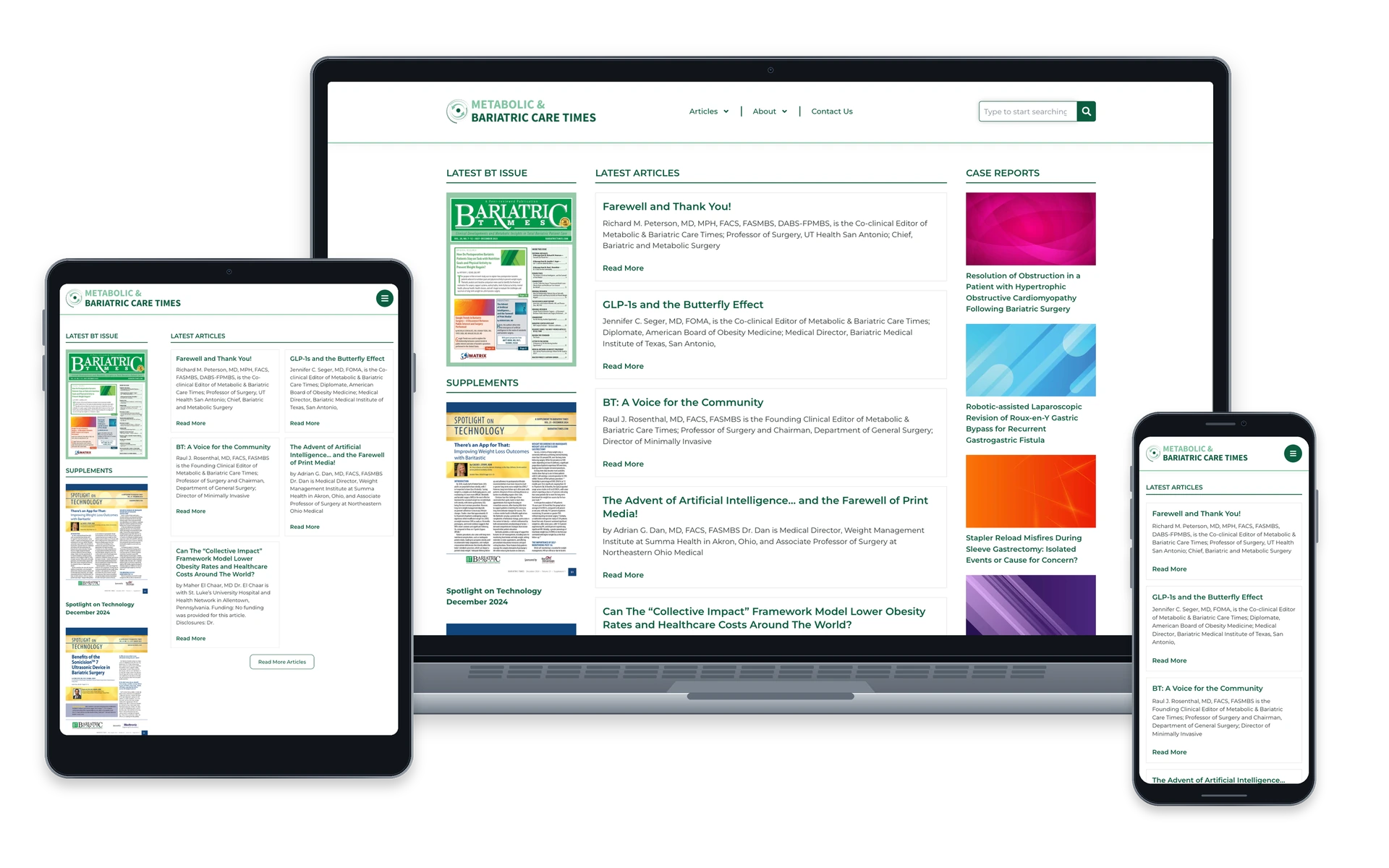
My work on Bariatric Times, completed through W3 Affinity, involved a WordPress rebuild, content migration, and publishing structure. It is an example of the planning involved in a complex rebuild; it was not a Wix or GoDaddy Website Builder migration.
If you are weighing a new site or rebuild, explore my WordPress development services or send me your current website and the changes you need.